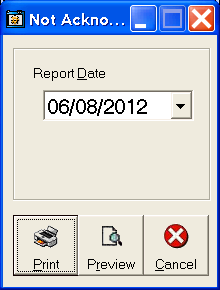
 To print a list of any SOs that have not been acknowledged by the manufacturer, click Inventory: Orders Not Acknowledged. The "Not Acknowledged Since:" form will appear. Choose the starting date to print any orders that have not been acknowledged by the manufacturer.
Choose either Print or Print Preview. Print (default) will print the report on the default printer, Print Preview will show the report on screen. For help with the Print Preview function, see the Print Preview help page.